How to Use OhmBody
At OhmBody, we believe knowledge is power, and your body deserves both. This guide is here to make sure you feel fully informed, totally supported, and 100% in charge of your journey.

How to Apply the Earpiece
- Pull your hair back and remove any earrings.
- Clean around your ear with the included alcohol wipe and let the skin dry fully.
- Peel back the adhesive on the front electrode and press it firmly in front of your ear, just in front of the tragus.
- Apply the back electrode behind your ear along the bony ridge.
- Press both electrodes flat against your skin to ensure full contact with no lifted edges.

Connecting the Cable
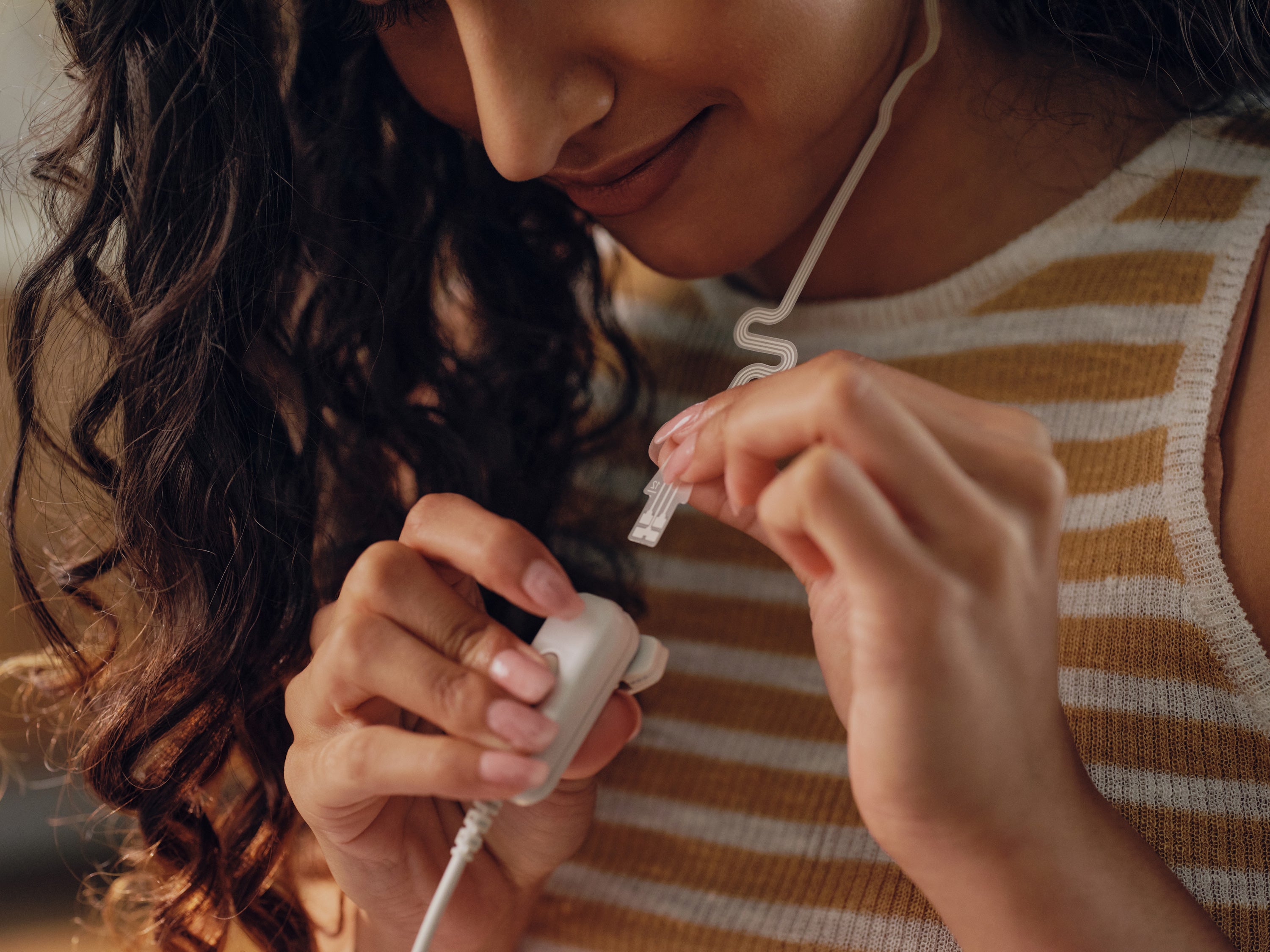
- Hold down the button on the cable connector.
- Insert the earpiece tab into the connector until it sits flush.
- Plug the cable jack into the port on your OhmBody device until it clicks into place.
If you run into any issues with cable connectivity, read the Troubleshooting Guide below.

Operating the OhmBody Device
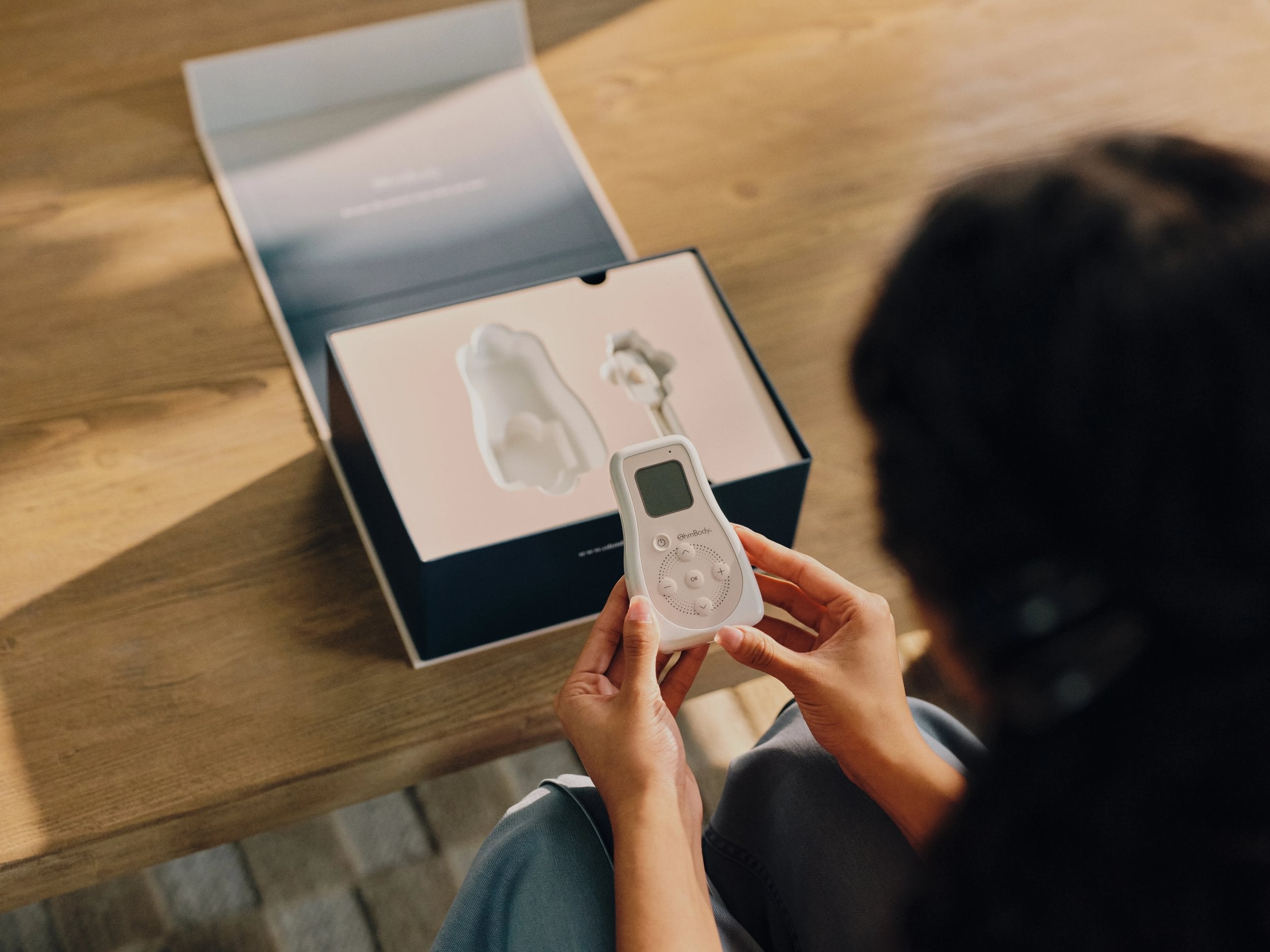
- Press and hold the power button for 3 to 5 seconds until the OhmBody logo appears.
- Use the directional buttons to highlight the front electrode bar and press OK to turn it on.
- Press the plus button to increase intensity until it feels noticeable but comfortable. Repeat for the back electrode.
- Adjust anytime during your session using the plus and minus buttons.
Troubleshooting
Have more questions? Visit our FAQ page or reach out at support@ohmbody.com.
This message means your OhmBody isn’t getting a strong connection through the earpiece electrodes.
To fix this error, gently press both the Front and Back electrodes against your skin to reinforce contact. Smooth out any edges that may have lifted. Once you're reconnected, restart your session by clearing any alerts and turning stimulation back on as needed.
If the error message stays on the screen, check that the cable is fully connected at both ends.
If the earpiece is getting loose or stimulation feels prickly, you may need to apply a fresh earpiece, being sure to attach it using the correct placement.
This simply means the device lost connection with the earpiece. Don’t worry—stimulation automatically pauses to protect your comfort. Make sure everything is securely connected and the earpiece electrodes are in good contact with your skin. Once you're reconnected, restart your session by clearing any alerts and turning stimulation back on as needed.
Your OhmBody device is running low on power and needs fresh batteries before you can continue. Just turn off the device, swap in new batteries, and you're good to go.
Try holding down the power button for 3–5 seconds. If it doesn’t turn on, check that the batteries are in correctly or replace them with fresh ones. Still having trouble? Reach out to support@ohmbody.com. We’re happy to help.
If you notice irritation, take a break from using the device and let your skin recover. Be sure to avoid placing the earpiece over broken or sensitive skin. If the irritation doesn’t go away, check in with your healthcare provider.